Open any package
Any size, including multi-gigabyte asset store bundles. Drag one in, or click to browse.
Open any .unitypackage in a second, browse it folder by folder, and pull out exactly what you need. No project, no import, no waiting.
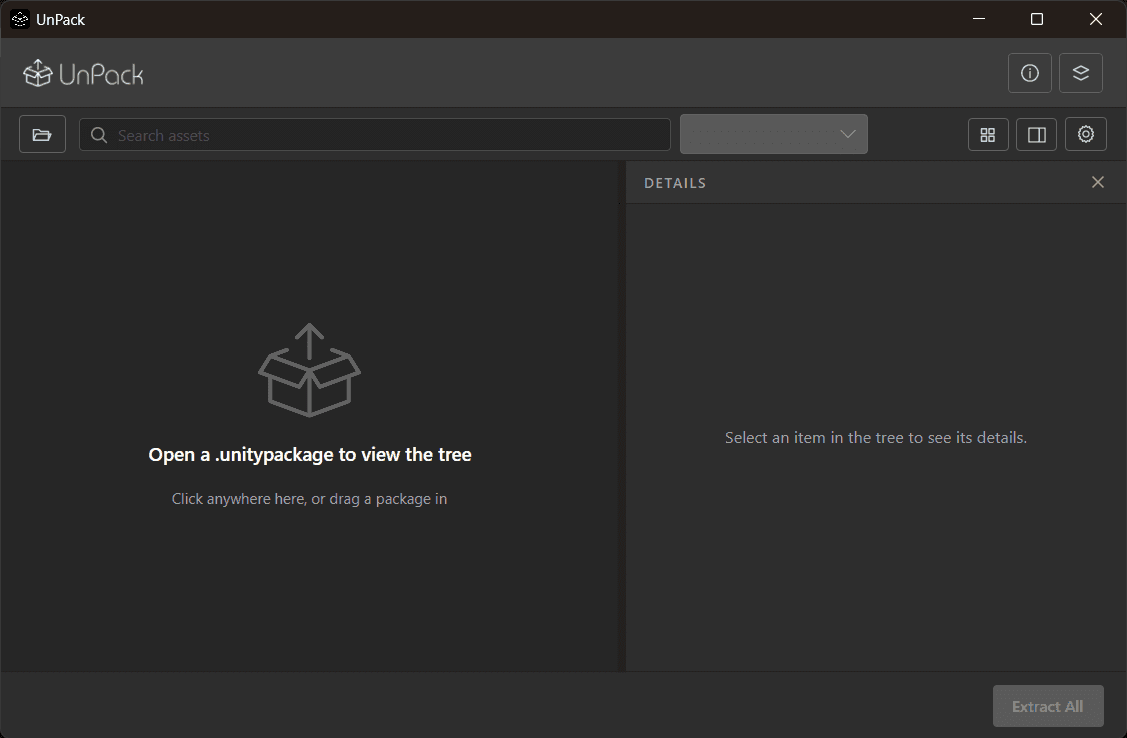
Drop a package in to start
The usual routine
Spin up a throwaway project. Wait out the import. Hunt through the Project window. Find out it was the wrong pack, or that you only ever needed three files out of four hundred. Delete the project. Repeat tomorrow.
Before
New project → import → wait → browse → discard
With UnPack
Drag the file in → read the tree → take what you need
Features
All included · no tiers
Any size, including multi-gigabyte asset store bundles. Drag one in, or click to browse.
Folders, subfolders and files, sorted the way Unity's Project window sorts them, with per-type icons.
File count, folder count, the package size on disk and the total uncompressed size.
Reproduces the exact folder structure. No size cap, no file limit, no nag screen.
Every asset keeps its GUID and importer settings, so references between prefabs, materials and scenes survive.
Find any asset by name and narrow the tree by type, the way Unity's Project window works.
Switch the tree for a folder pane and a thumbnail grid, the way Unity's two-column layout works.
Enumeration never reads asset payloads and extraction streams to disk. Memory stays flat on any package.
Why the output is trustworthy
Unity identifies every asset by the GUID stored in its .meta file — not by its path. Extract a package without them and Unity mints a brand new GUID for everything on import.
UnPack streams every .meta straight from the archive, byte for byte, and writes it next to its asset. What lands on disk is what Unity exported.
Without .meta
With UnPack
Questions
No. UnPack reads the package format directly, so it works on a machine that has never had Unity on it.
Unity identifies assets by the GUID inside the .meta file, not by path. Extract without them and Unity assigns new GUIDs on import, which silently breaks prefab, material and script references. UnPack writes every .meta alongside its asset, byte for byte.
Yes, and every feature is in the one build — search, filtering, list and grid views, selective extraction and asset previews. There is no licence key, no trial, no upgrade and no locked toolbar. UnPack exists to be useful and to show what iRex Studio builds.
Yes. The list view is the equivalent of Unity's one-column Project layout and the grid is the two-column one, thumbnails included — folder by folder, with a breadcrumb and a way back. Ctrl+G switches between them.
Yes. Search by name, or narrow to a type — models, textures, scripts and so on — exactly as Unity's Project window does. Folders stay in place while you filter, so you keep your bearings.
Yes. Tick what you want and extract only that. Folders show as partly selected when some of their contents are ticked, and the .meta file always follows its asset — a partial extraction is just as safe to import as a whole one.
They show Unity's own rendered thumbnail, which the package already contains — a shaded sphere for a material, a model as Unity drew it. Textures are decoded from the artist's original file, so they show at full resolution rather than as a thumbnail.
Windows 10 and 11 today. macOS and Linux are on the roadmap.
Free, every feature included, and it opens your next package in about a second.
Download for WindowsMade in India